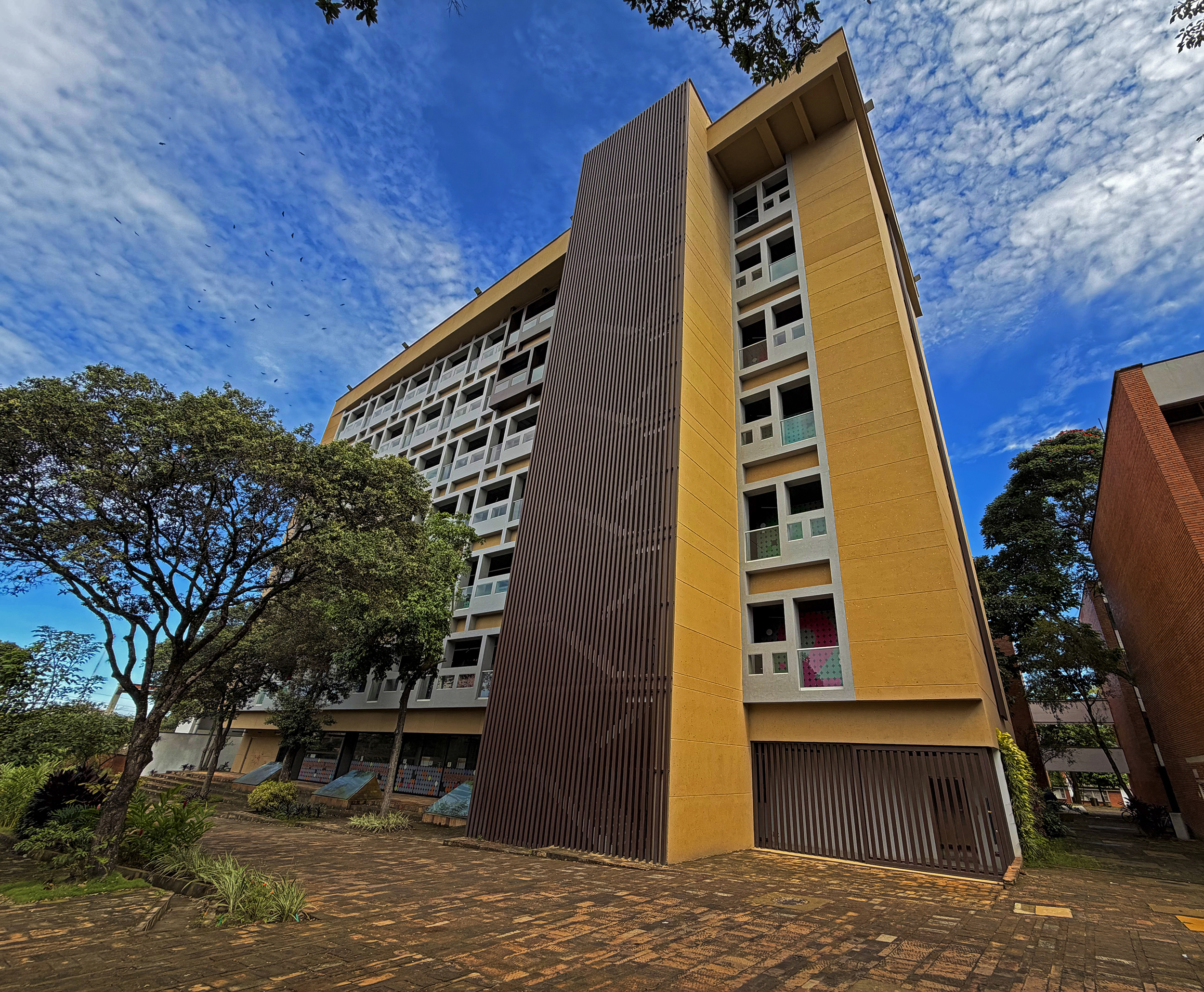

The Universidad Industrial de Santander (UIS) has updated the procedure for requesting, paying for, and downloading academic certificates for students enrolled during the second academic semester of 2026.
To complete the process, students must first request the certificate, then make the corresponding payment and, once the established processing time has elapsed, download the document through the student platform.
The Office of Admissions and Academic Records has provided the following step-by-step instructions for requesting the certificate:
- Go to the university’s institutional portal.
- Select the “Payments and Sales” option.
- Access “Electronic Sales”.
- Go to “Services”.
- Select “Certificate of Study (Active Student)”.
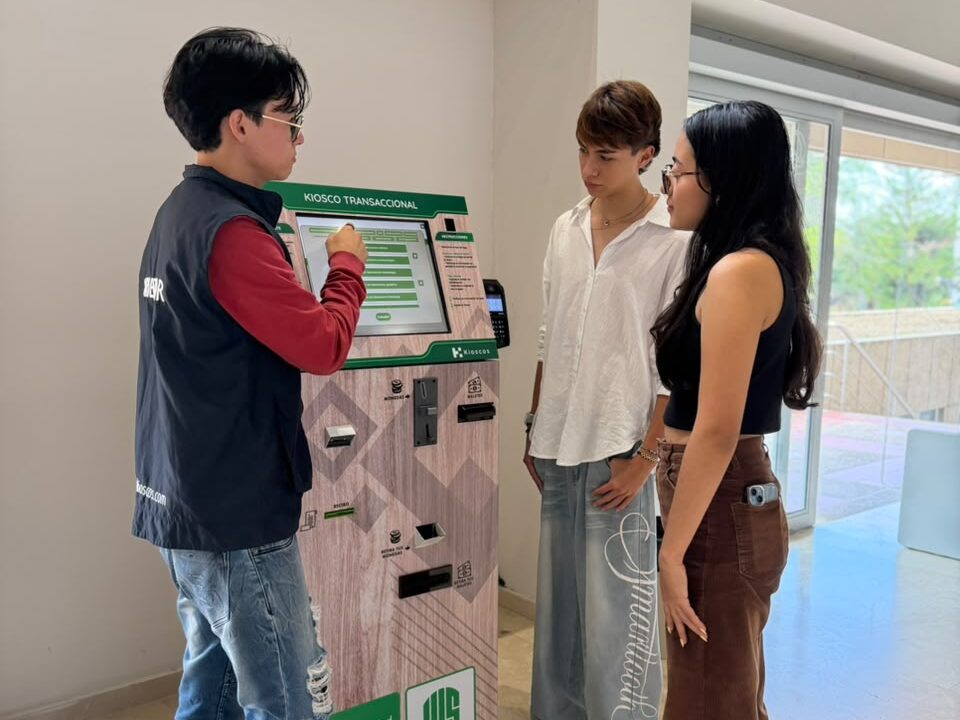
Once the service has been selected, students must complete the payment through PSE or at the self-service payment kiosks located at Student Welfare, the Central Library, or the Faculty of Health. The cost is COP 14,800.
If the system asks students to select their identification document type — either an identity card or Colombian citizenship card — those whose information is already registered and up to date should select the corresponding option and continue with the process.
Downloading the Academic Certificate
After making the payment, students must wait two business days before downloading the document. Once this period has elapsed, they should access the student platform using their institutional username/code and password.
After logging in, students must select “Academic Services,” followed by “Enrollment Certificate,” and finally “Generate” to obtain the document.
If students experience any difficulties during the process, they can contact the Office of Admissions and Academic Records by email at certificados@uis.edu.co.