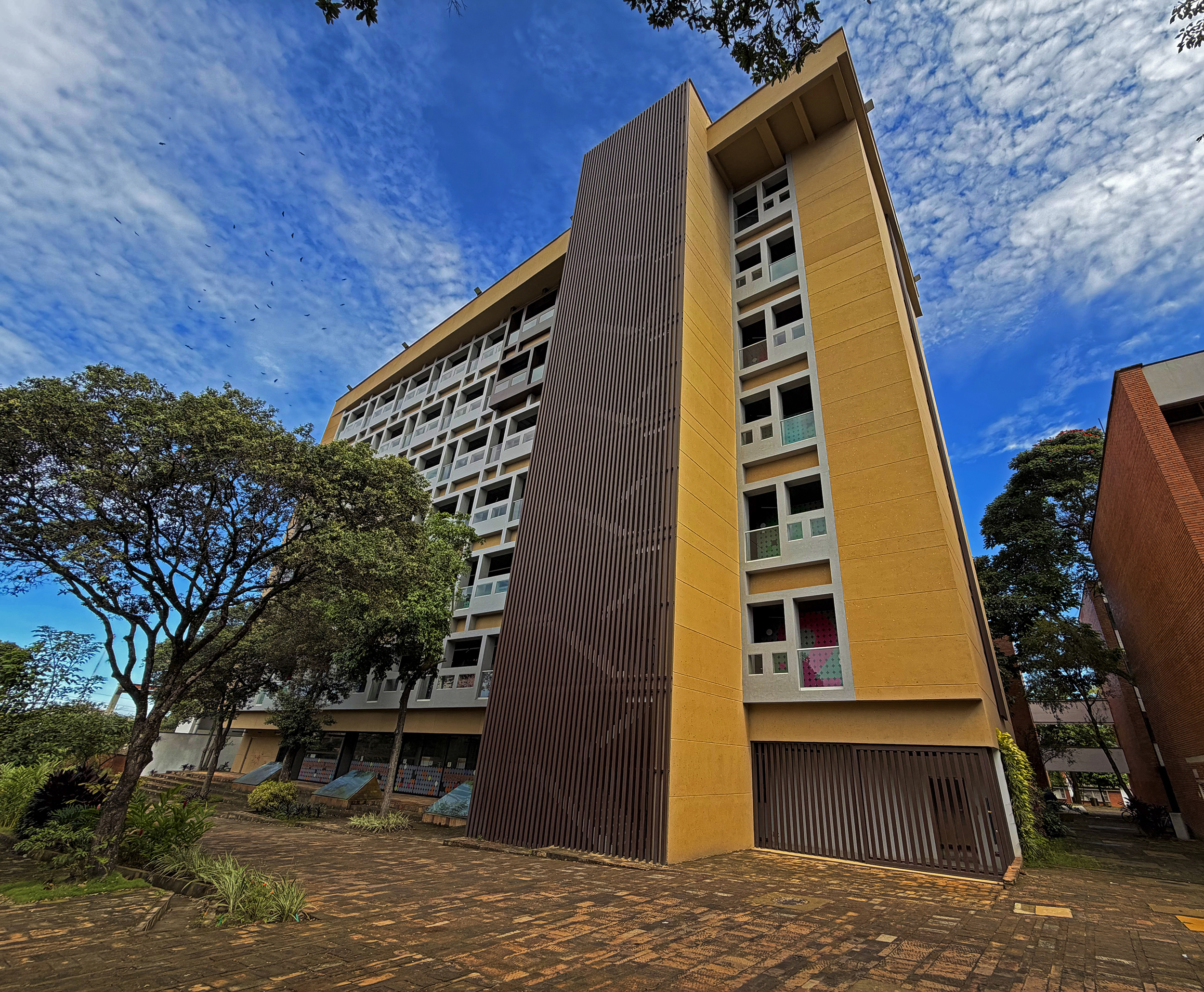

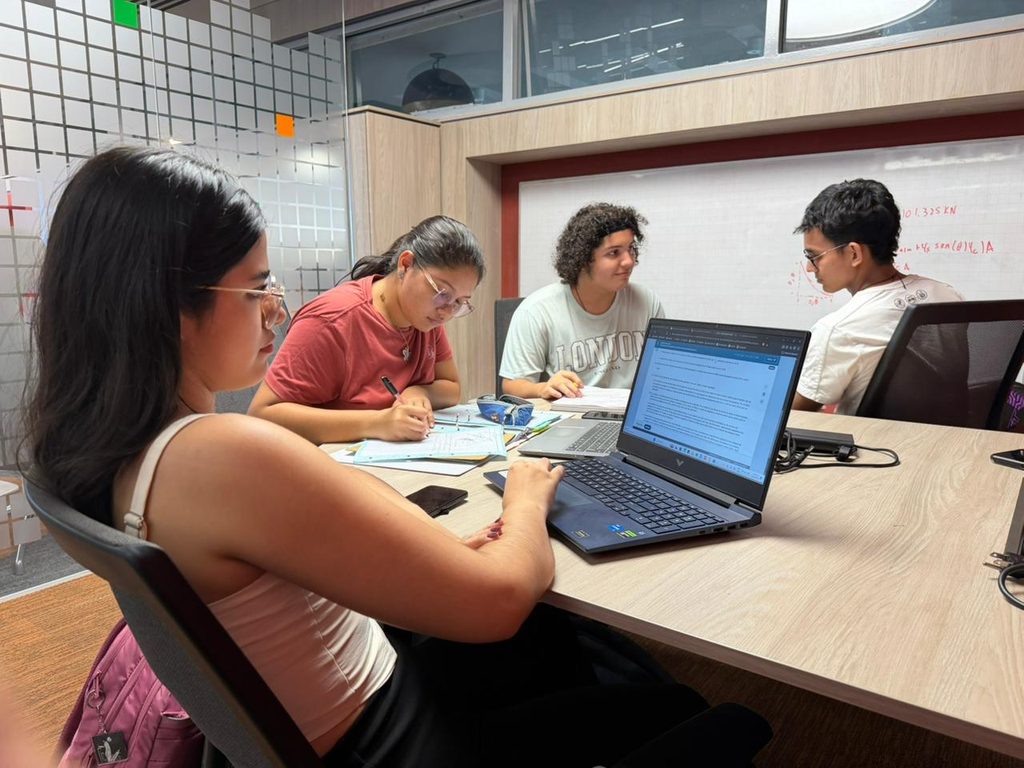
The Industrial University of Santander (UIS) offers a variety of spaces and resources designed to support academic activities and administrative work. As part of this institutional offering, the UIS Library provides access to bibliographic resources, study areas, and technological tools throughout the second academic semester.
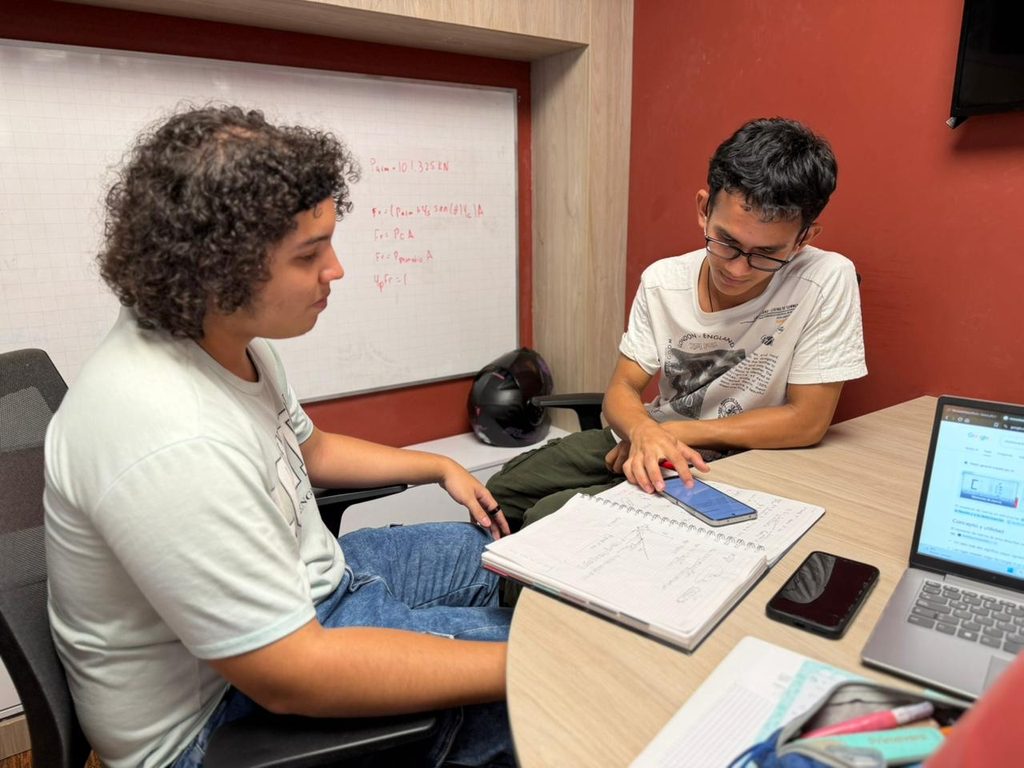
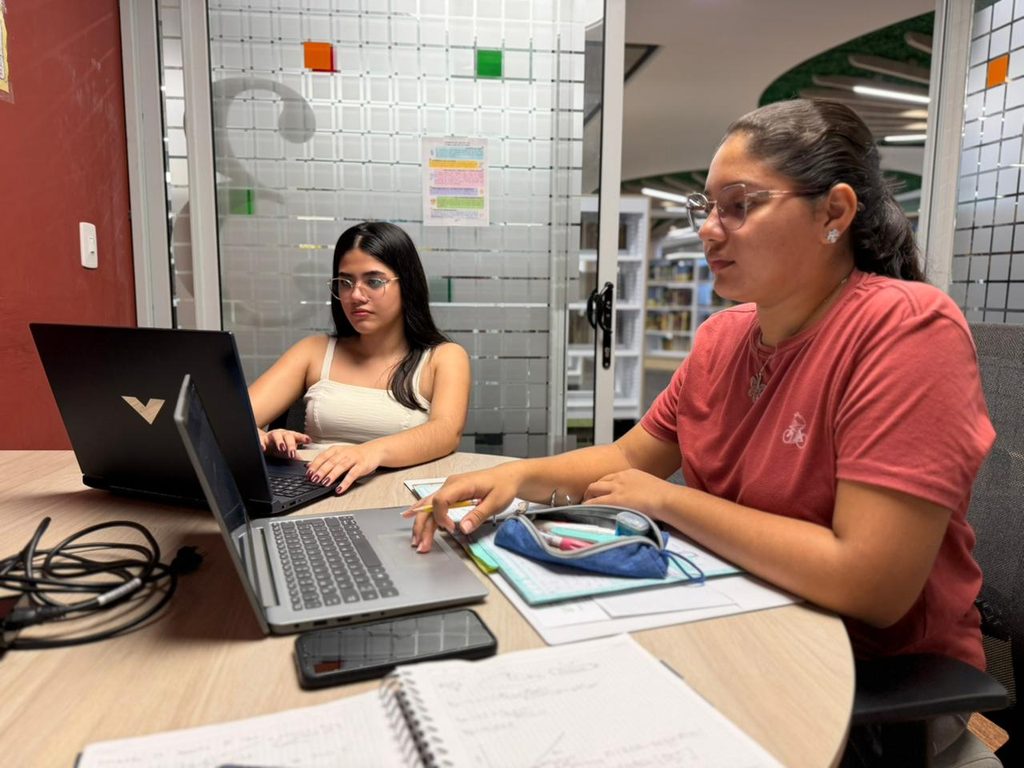
Study cubicles are spaces designed for individual or group study and academic activities. As one of the library’s most requested services, the cubicles are available through a reservation system that helps organize their use and ensure access for members of the university community.
The Central Campus, Faculty of Health, and Floridablanca campus offer library services Monday through Friday, from 7:00 a.m. to 6:00 p.m. Together, these facilities provide access to approximately 65,000 bibliographic resources, 115 computers, and hundreds of academic spaces.
How to Reserve a Study Cubicle at UIS Library
Members of the university community can follow these steps to reserve a study cubicle at the UIS Central Library:
- Scan the QR code to access the bibliographic catalog through the Primo system.
- Log in using your university credentials and access the student module.
- At the top of the page, find the “Space Finder” tab and click on it.
- Select the type of cubicle you need—individual or group—and choose the corresponding floor. Under “Locations,” select the cubicle you wish to reserve.
- Click “Request Reservation” and complete the form with the date and time you plan to use the space.
- Reservations can be made for a maximum of two hours, and each user may have only one active reservation.
- Arrive at the assigned time. On the day of your reservation, go to the designated reference point on the floor where your cubicle is located.
- Present your university ID card to the staff member in charge of the floor so your attendance can be registered.
UIS Library Reservation Policy
According to the regulations in effect for the second academic semester, users have a 10-minute grace period after the scheduled reservation time. If the user does not arrive within those 10 minutes, the reservation will be released and made available to another user. A sanction may also be applied, preventing the user from making new reservations for approximately eight calendar days.
The UIS Library encourages all members of the university community to make use of this service, which is among the most requested resources at the library.
“We invite all members of the university community to take advantage of this opportunity. This is one of the most requested services in this space, which is why it is important to understand how to reserve and use it. This helps make the entire process more efficient and allows users to feel at home while they are here,” said Sonia Cristian Gamboa, Director of the UIS Central Library.